Time tracking for developers, from the IDE
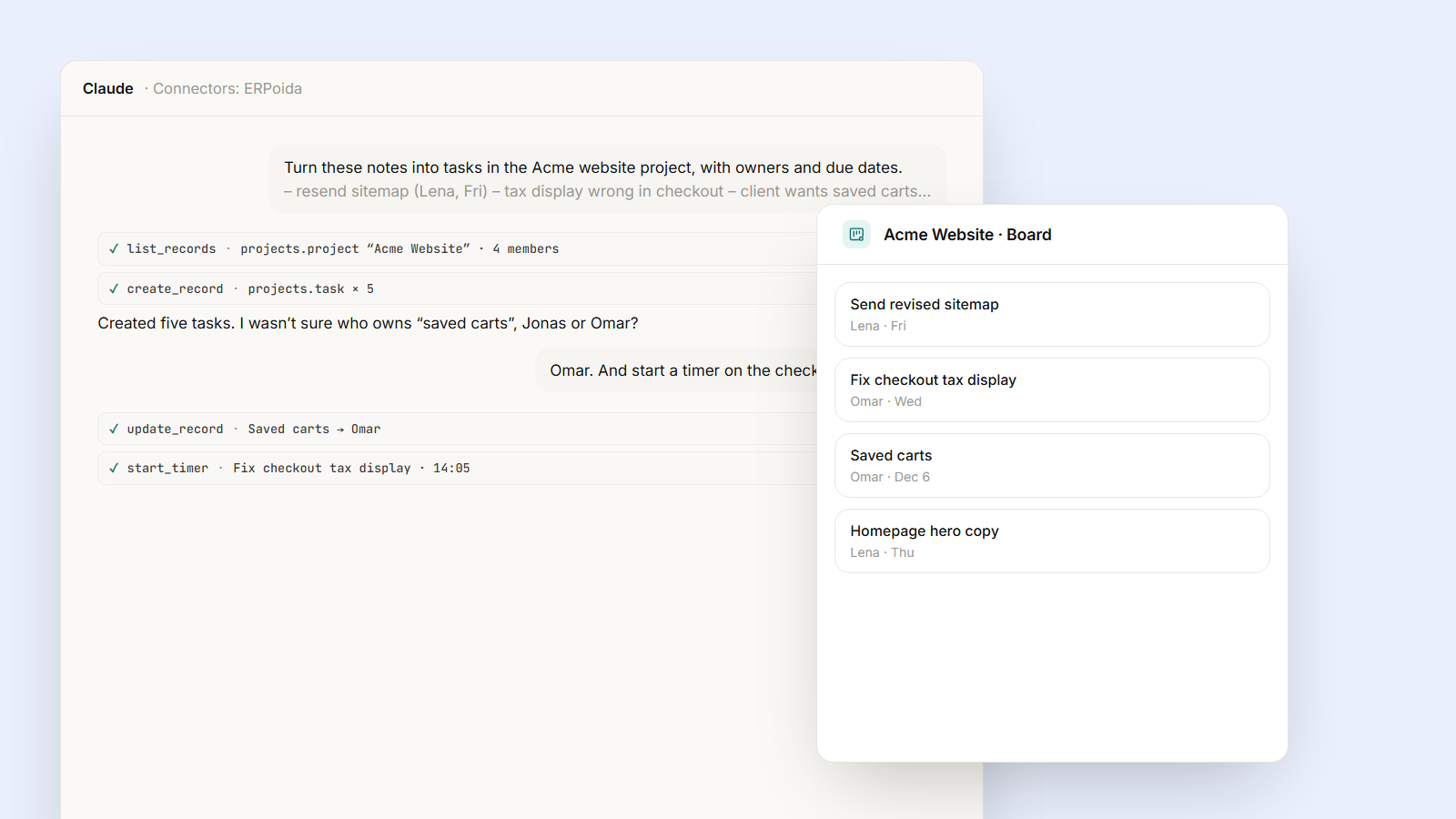
Developers forget timers because the timer lives in another tab. Connect ERPoida to your IDE over MCP and the coding agent starts and stops the timer on the task you are working on, so you see exactly what each feature and bug fix cost.
Ask a developer what they worked on last Tuesday and you'll get a guess. Not because they don't care, but because the timer lives in another tab, and the moment that matters, starting on a bug, is exactly when nobody thinks about a timer.
The fix is to put time tracking where the work already happens: in the editor, next to the coding agent you're already talking to.
How it works
ERPoida has an MCP server. Connect it once to Cursor, Kiro, Claude Code or any MCP-capable IDE (setup takes a few minutes). From then on your coding agent can read your tasks and run the timer actions: start, pause, resume, stop, and log an entry after the fact. It does that as you, with your role's permissions, and every call is written to the AI audit log.
Tasks in ERPoida can carry the Git branch they're worked on. That's the link that makes the rest automatic.
A day with it
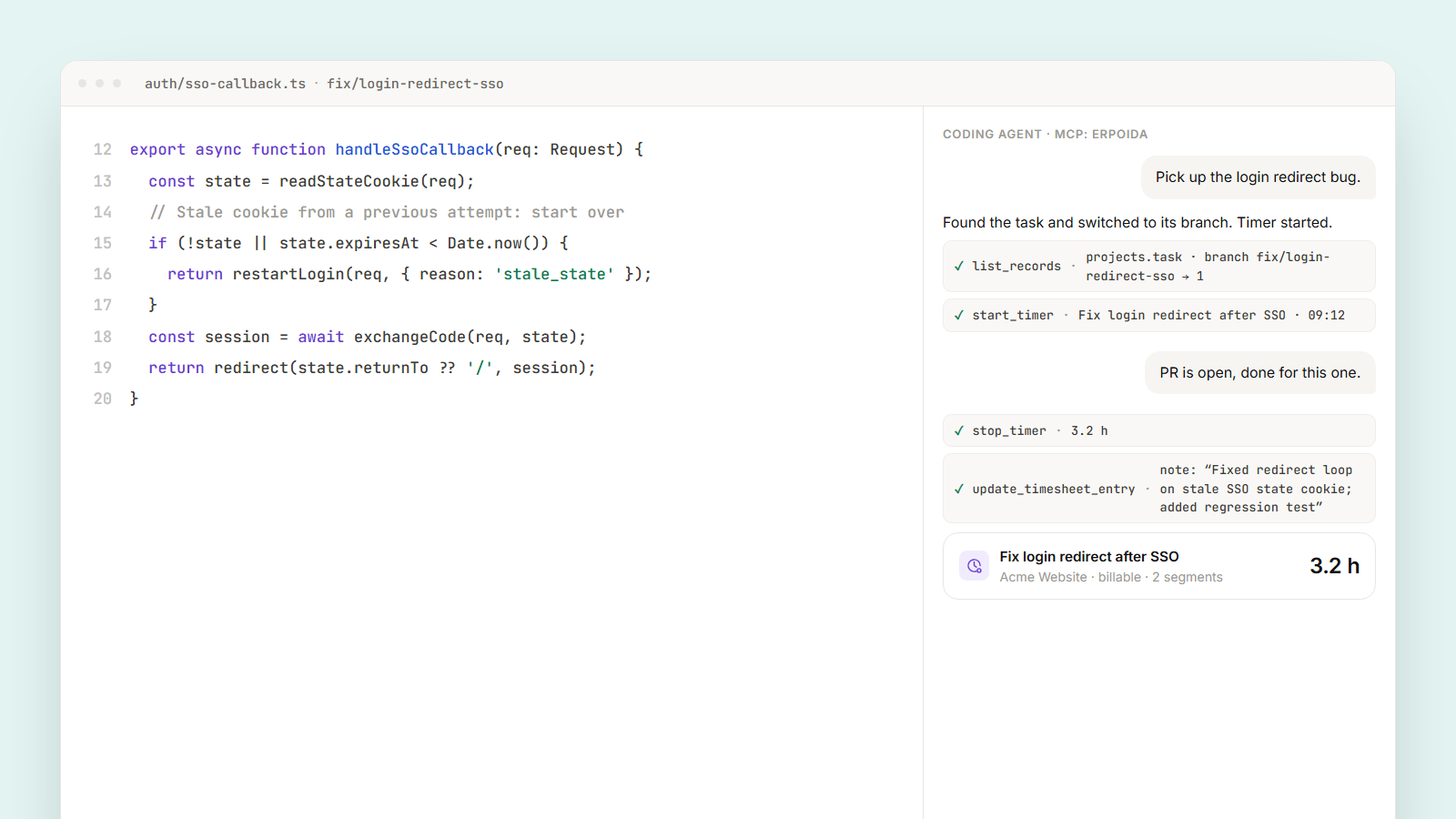
You open the editor and say: "Pick up the login redirect bug." The agent finds the task Fix login redirect after SSO, checks out its branch, and starts a timer on that task. You never opened ERPoida.
At 12:30 you type "lunch". The timer pauses. After lunch, "back on it" resumes it on the same entry, so the entry has two segments instead of a guess.
When the pull request is open, you say "done for this one". The agent stops the timer and writes the note from what it just did: Fixed redirect loop when the SSO callback has a stale state cookie; added a regression test. That note is worth more than "bugfix, 3h" in a review six months from now.
If you jump to something urgent in the middle, the agent pauses the first timer and starts one on the urgent task. Two tasks, two honest numbers.
What you can see afterwards
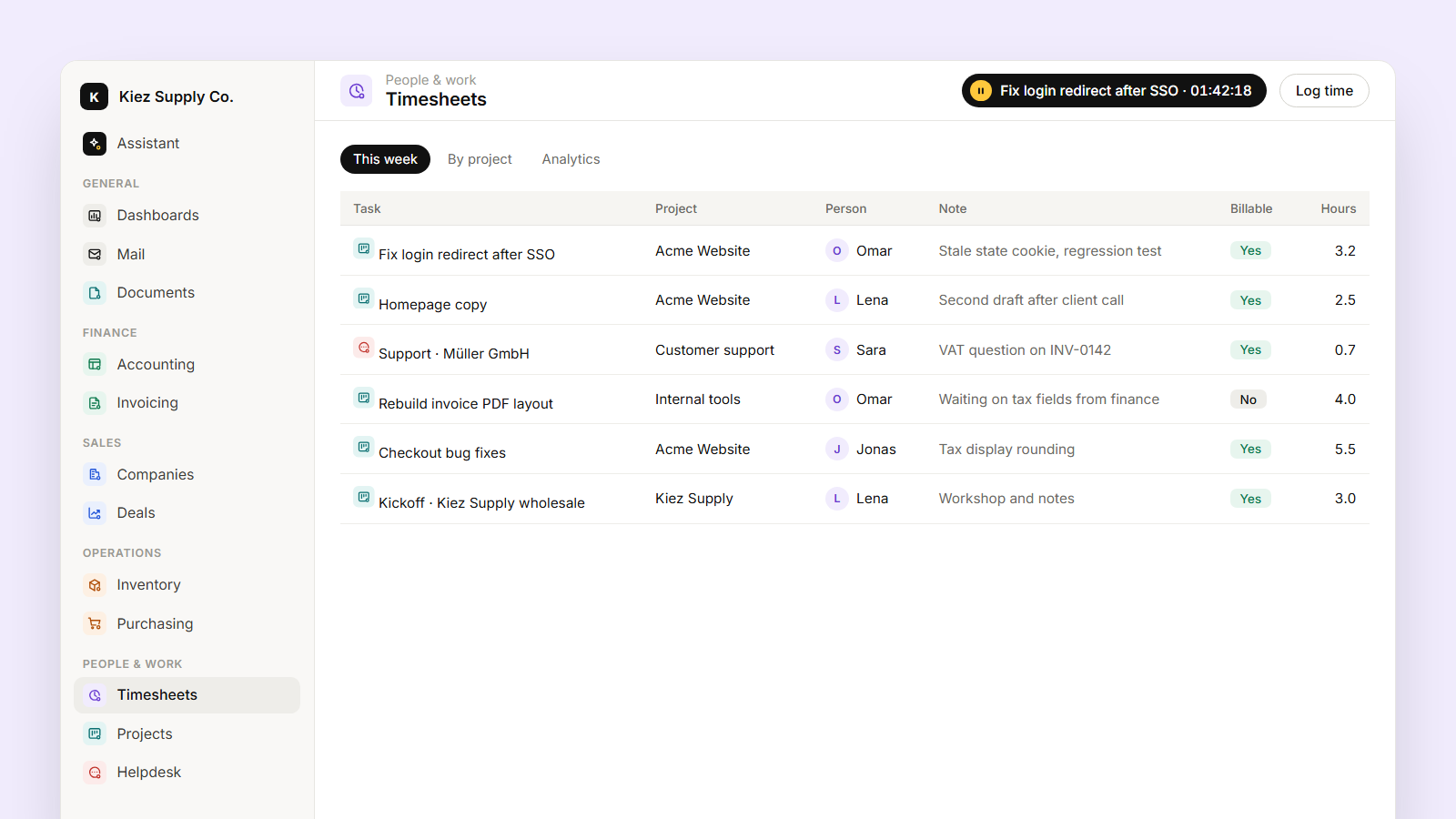
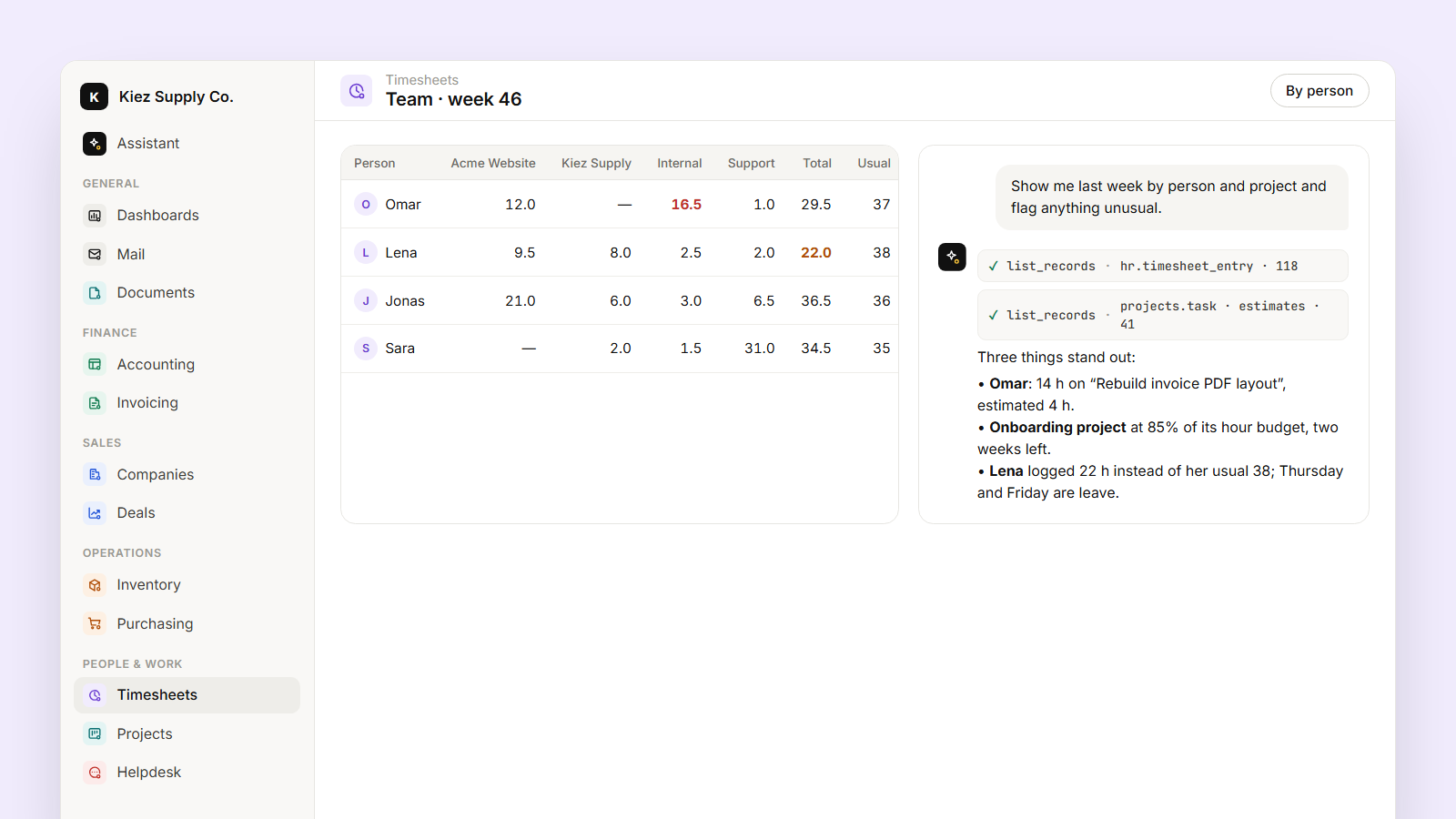
Because each entry sits on a task, and each task has an estimate, a project and tags such as bug or feature, the numbers answer real questions:
- What did this feature cost? All entries across the feature's tasks and sub-tasks, by person.
- Bugs versus features. How much of last sprint went to fixing things versus building them.
- Where estimates break. Tasks that went far over estimate, with the notes that explain why.
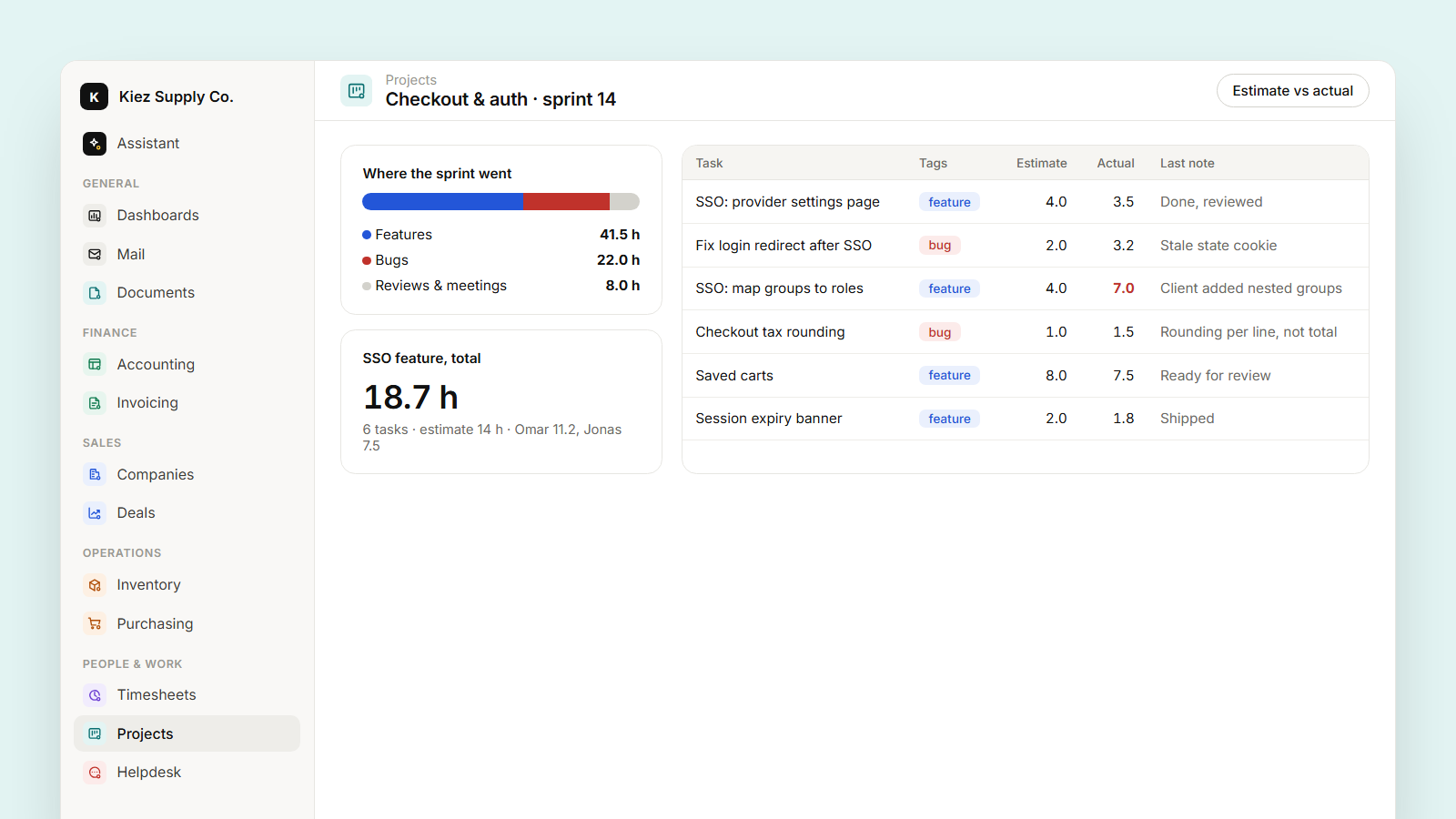
You can ask for any of these in the IDE ("How long did the SSO work take in total?") or put them on a dashboard.
For freelancers and agencies
If you bill by the hour, billable entries roll straight into a draft invoice with one line per task. Your client sees Fix login redirect after SSO, 3.2 h instead of Development, 3 h, which is a lot easier to approve.
A few rules that keep it trustworthy
- The agent only starts timers for you. It can't log time for a colleague unless your role allows it.
- A timer running for more than 10 hours triggers a reminder flow, so a forgotten timer doesn't become a 14-hour day.
- You can always correct an entry in ERPoida; the change is in the entry's history.