

Manufacturing describes what goes into each product and records each production run. Completing a production order consumes the components and produces the finished good through real inventory moves, so stock and cost stay right without manual corrections.
What it does
Bills of materials
A BOM lists the components and quantities for one finished product.
Production orders
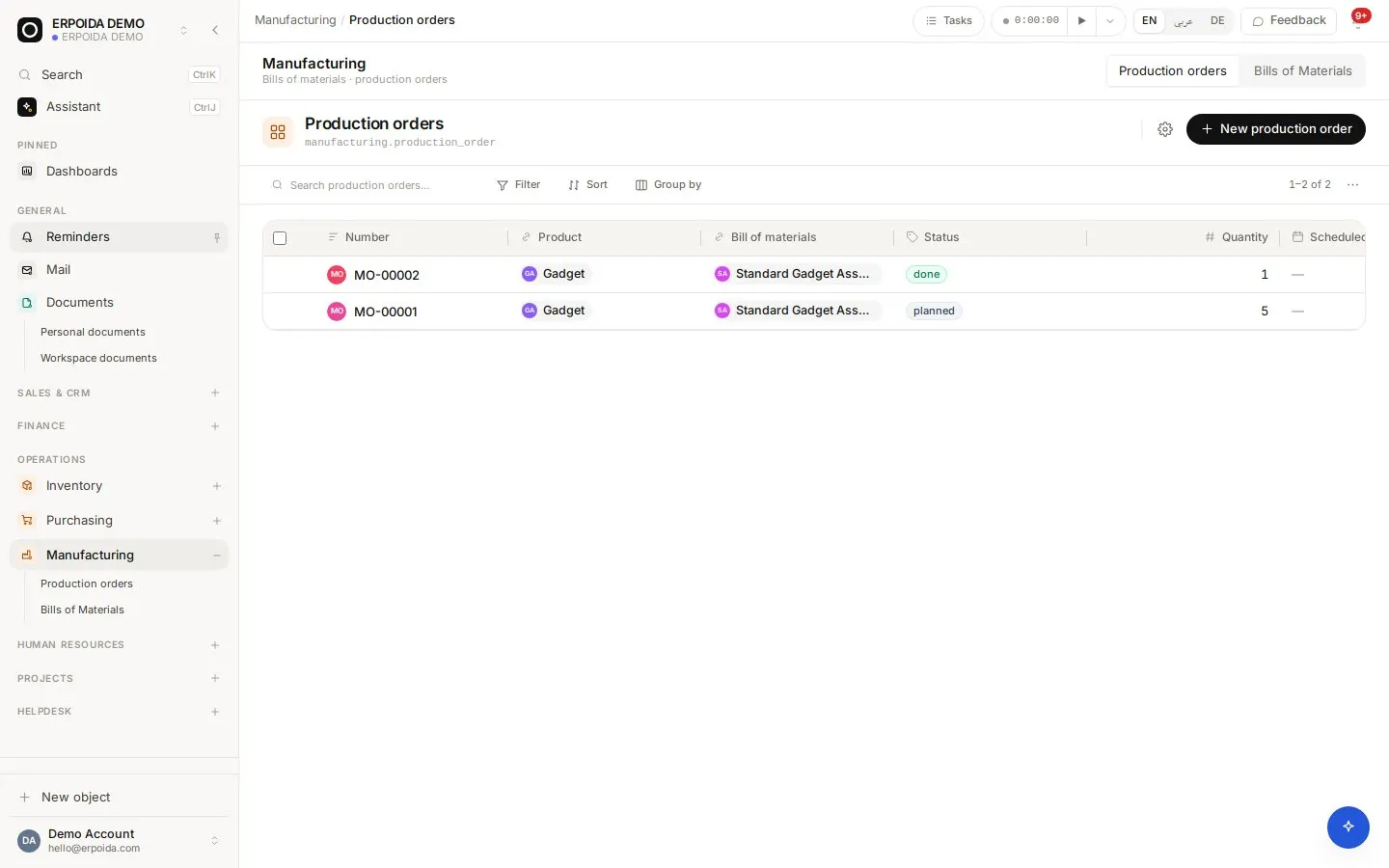
Plan an order for a BOM and a quantity, start it to commit, and complete it when the work is done.
Real stock moves
Completion explodes the BOM: each component is consumed and the finished product is produced, both posted to inventory.
How to use it
Make a batch
- Create the finished product and its components in Inventory.
- Open Manufacturing and create a BOM with component quantities.
- Create a production order for the quantity you want to make.
- Start it, then complete it; stock moves are posted for you.
Tips and tricks
- Check component on-hand before starting a large order; ask the assistant for it in one sentence.
- Keep one BOM active per product to avoid confusion on the shop floor.
- Buy missing components with a purchase order straight from the shortfall.
Make it yours
Everything below is done in the app, without code, by anyone with admin rights. You can also ask the assistant to do it.
- Add fields to production orders such as machine, shift or batch number.
- Add a flow that notifies the warehouse when an order is completed.
- Create a board view of production orders by status for the shop floor.
Ask the assistant
The assistant works through the same operations and permissions as you. Try:
- “List our active bills of materials.”
- “Plan a production order for 40 units of the desk lamp.”
- “Complete production order MO-0002.”
Questions
Does completing an order change stock?
Yes. It consumes components and produces the finished good through posted inventory moves.
Is there routing or work-center scheduling?
Not today. Manufacturing covers BOMs and production orders; scheduling is planned on the board or with custom fields.