

Payments covers when money is due and how it comes in. Payment terms turn one total into a schedule, payments are recorded against your money accounts and post to the ledger, and reminders chase what is late on a schedule you set.
What it does
Payment terms
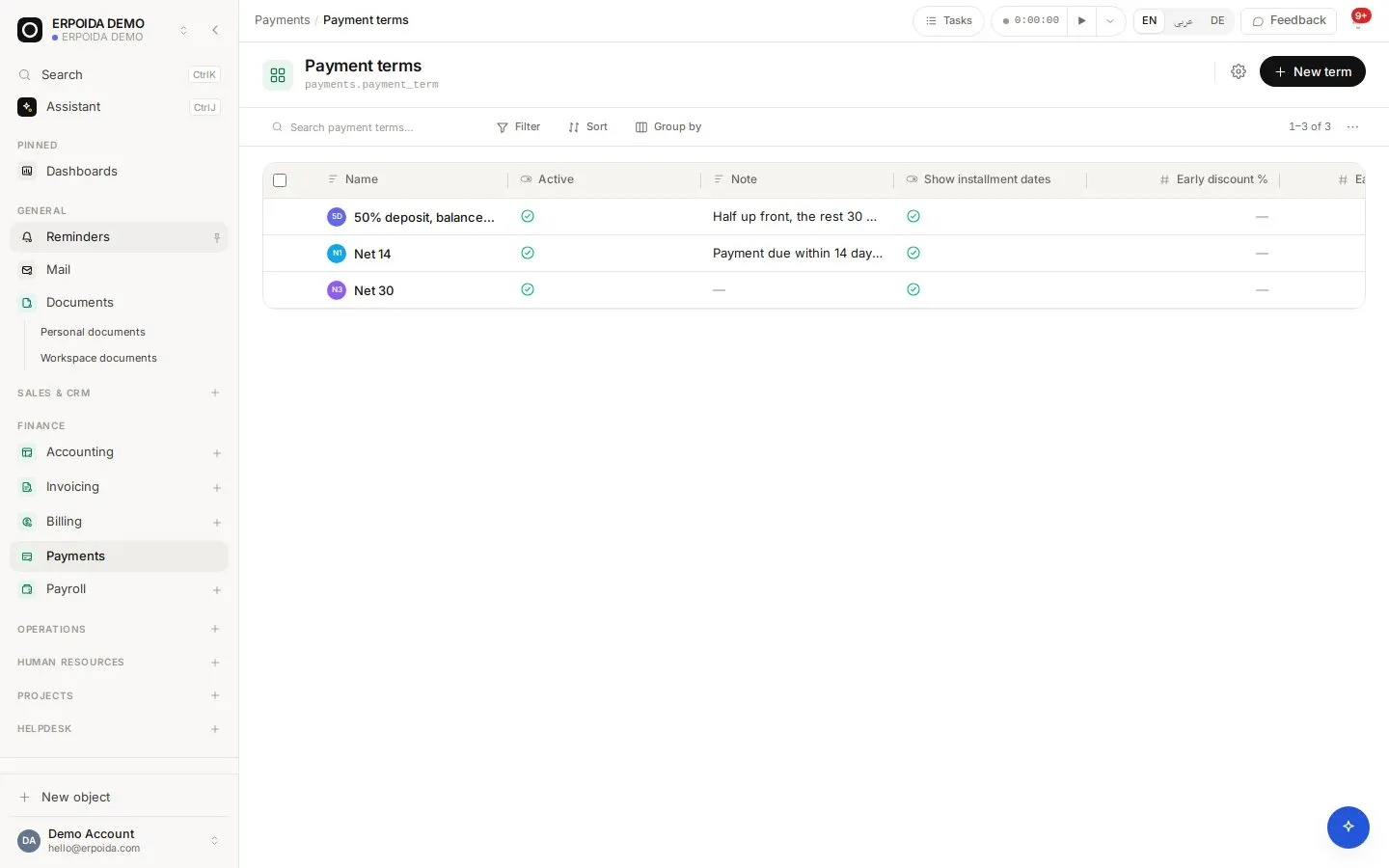
Define terms such as Net 30 or a deposit followed by installments, and attach them to deals, invoices or contracts.
Editable schedules with NPV
A term expands into a per-row schedule sized to the total. Edit any row, and compare the net present value of the standard plan with the customer's actual one.
Recorded payments
Record a payment against a posted invoice or vendor bill using a money account and a payment date; the entry posts to the ledger.
Payment reminders
A dunning policy is a list of steps by days from the due date. Each step fires once, on its day, and is logged with what was sent and to whom.
How to use it
Offer an installment plan
- Open Payments → Terms and create a term with a deposit and installments.
- Attach it to the deal or invoice.
- Generate the schedule; adjust any installment date or amount.
- Bill each installment as it falls due.
Automate reminders
- Open Billing → Payment follow-ups and create a policy.
- Add steps, for example -3 days (friendly heads-up), 0 and +7.
- Make it the default for invoices, or set it on one invoice.
- Check the log to see exactly what went out.
Tips and tricks
- A workspace without a reminder policy sends nothing. That is the safe default until you decide your tone.
- Use NPV when a customer asks to stretch payments: you see what the change is worth in today's money.
- Keep one money account per real bank account so reconciliation matches your statements.
Make it yours
Everything below is done in the app, without code, by anyone with admin rights. You can also ask the assistant to do it.
- Create terms per customer segment and attach them as defaults on companies.
- Add a flow that notifies the account owner when an installment is billed.
- Use a document template for a payment plan agreement, filled from the deal.
Ask the assistant
The assistant works through the same operations and permissions as you. Try:
- “Attach a 30% deposit plus 3 monthly installments to this deal and show the schedule.”
- “What is the NPV of the customer's proposed schedule compared to our standard plan?”
- “Record a payment of 1,200 € on INV-00027 to the bank account today.”
Questions
Is a payment term the same as a subscription?
No. A payment term splits one amount over time; a subscription creates a new invoice every cycle.
Will a new reminder policy email old overdue invoices?
No. Each step fires on exactly one day, so creating a policy does not suddenly chase invoices that were already overdue.