

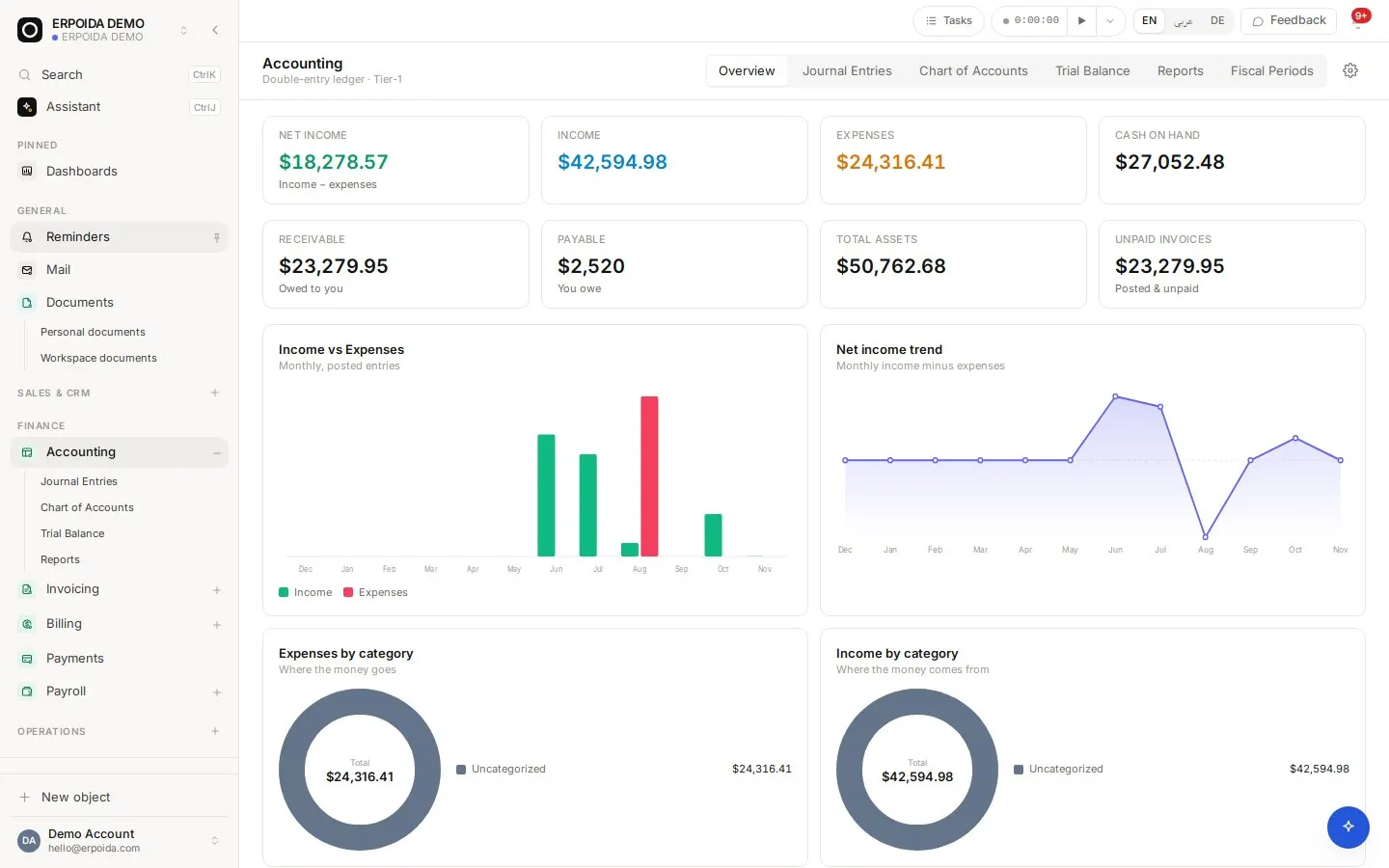
Accounting is a double-entry ledger that the rest of ERPoida writes to. Posting an invoice, running payroll or receiving stock creates balanced entries automatically, so most days you never type a debit or a credit. An entry that does not balance is rejected by the database itself, not by a warning.
What it does
Automatic entries
Invoices, payments, vendor bills, payroll and stock movements post their own entries. Manual journal entries are there for the rest: create a draft, post it, or reverse it.
Reports you can trust
Profit & Loss, Balance Sheet, A/R Aging and A/P Aging. Aging reports show a banner confirming their total matches the ledger. Every report prints or saves as PDF.
Fiscal periods
Create a year to get twelve periods. Lock a period to block new entries, close it when it is final. Closing is refused while drafts remain in that range.
German chart of accounts
In Germany you choose SKR03 or SKR04 once during setup, and the ledger follows the DATEV standard chart.
How to use it
Book a manual entry
- Open Accounting and create a journal entry.
- Add lines with accounts and amounts; debits must equal credits.
- Save it as a draft, review it, then post it.
- If it was wrong, reverse it instead of deleting; the reversal is a new, offsetting entry.
Close a month
- Check the trial balance and post or delete any drafts in the month.
- Review the P&L and Balance Sheet for the period.
- Lock the period so nothing new lands in it.
- Close it once you are sure it is final.
Tips and tricks
- Use A/R Aging every week to see who owes you money and how overdue it is, in buckets from Current to Over 90 days.
- Account types matter: keep Cost of Goods Sold separate from other expenses so gross profit is right.
- A locked period can be reopened; a closed one cannot. Lock first, close at year end.
Make it yours
Everything below is done in the app, without code, by anyone with admin rights. You can also ask the assistant to do it.
- Add accounts to the chart of accounts for your own reporting lines.
- Set tax rates in the accounting settings so invoices compute them for you.
- Add a flow to notify the bookkeeper when a large manual entry is posted.
Ask the assistant
The assistant works through the same operations and permissions as you. Try:
- “Show me the trial balance as of today.”
- “Create a draft journal entry moving 500 € from cash to the bank account.”
- “Reverse journal entry JE-0042.”
Questions
Can my tax advisor work with ERPoida?
Yes. The ledger follows the DATEV chart you choose (SKR03 or SKR04) and bookings can be passed to your accountant through the DATEV integration.
Can entries go out of balance?
No. Unbalanced postings are rejected by database constraints, so a bug or a direct edit cannot create them either.