

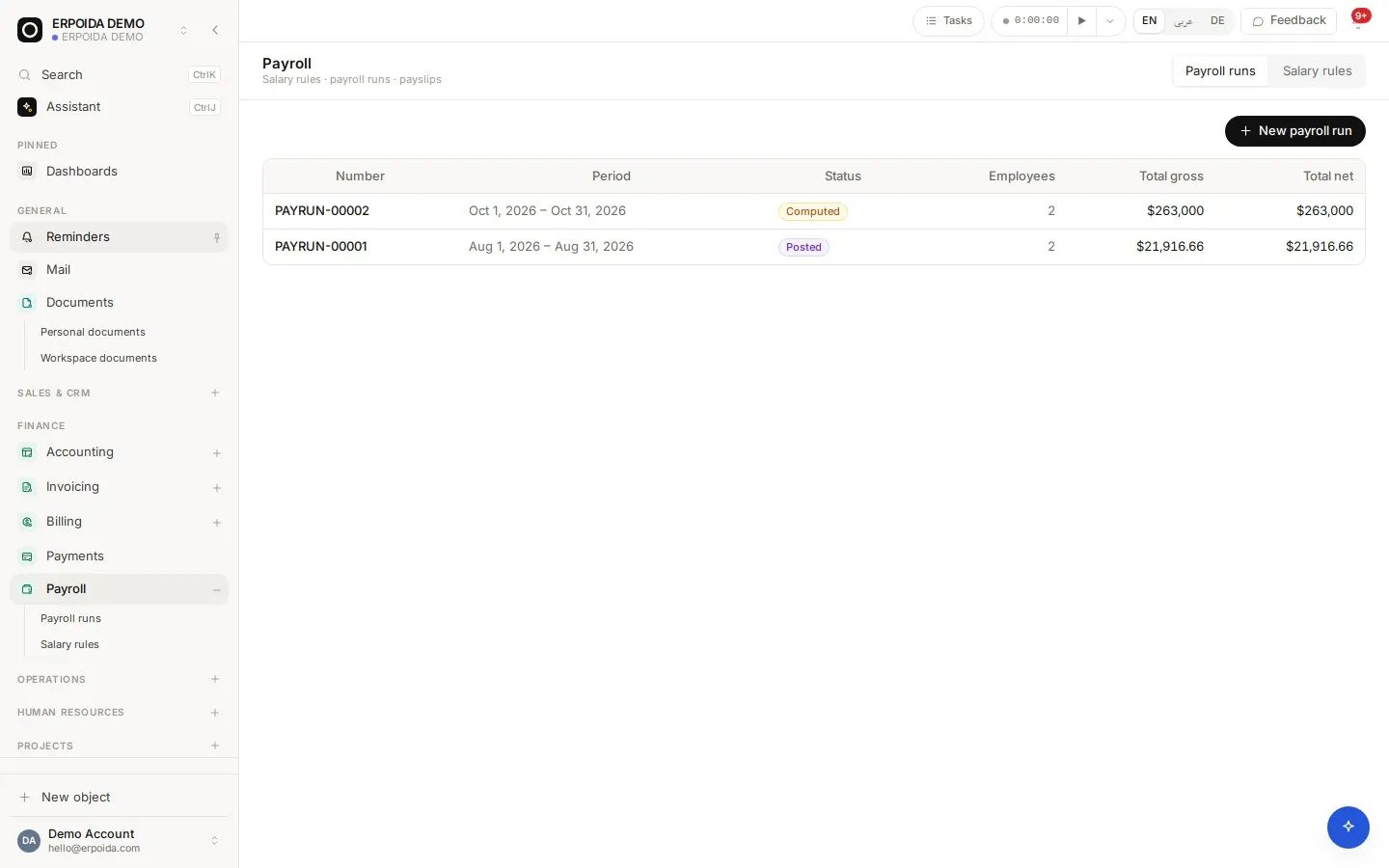
Payroll pays employees from their contracts and your salary rules. A run moves through draft, computed, approved, posted and paid, and each step matches a real accounting event: posting writes the payroll expense and liabilities, paying clears them against cash.
What it does
Salary rules
Basic pay, allowances, deductions and taxes, calculated as a fixed amount, a percent of gross, per overtime hour, per missing hour or per late arrival.
Pay from contracts
Salary, hourly rate and working time come from the employee's active contract, using the company work week or the contract's own.
Adjustments
Add a one-off bonus or deduction to one employee on a draft or computed run, then recompute.
Posted to the ledger
Posting a run creates a balanced entry (payroll expense against tax payable and payroll payable). Recording the payment clears the payable against cash.
How to use it
Run monthly payroll
- Make sure every employee has an active contract.
- Open Payroll and create a run for the period.
- Compute it and review each payslip; add adjustments if needed.
- Approve, post, and record the payment when salaries are paid.
Set up salary rules
- Open Payroll → Salary rules.
- Add the rules you need, for example a fixed transport allowance or an overtime rate per hour.
- Choose how each one is calculated and whether it adds or deducts.
- Compute a test run to check the payslips before going live.
Tips and tricks
- Approved unpaid leave is deducted proportionally when the run is computed, so approve leave before computing.
- Hourly and overtime rules read recorded time, so keep timesheets up to date before the period closes.
- Never edit a posted run; fix it with an adjustment in the next run so the ledger stays consistent.
Make it yours
Everything below is done in the app, without code, by anyone with admin rights. You can also ask the assistant to do it.
- Add rules for your country's allowances and deductions.
- Set the company work week (for example Sunday to Thursday) in the HR configuration.
- Add a flow that notifies employees when the run is paid.
Ask the assistant
The assistant works through the same operations and permissions as you. Try:
- “Create a payroll run for November 2026 and compute it.”
- “Add a 200 € bonus for Lena on the current draft run.”
- “Approve and post the November payroll run.”
Questions
Does ERPoida calculate German payroll tax?
Taxes and deductions are salary rules you define (fixed or percent). Statutory German wage tax tables are not built in, so many teams use ERPoida for the run and their payroll bureau for filings.
Can I pay by the hour?
Yes. Contracts can pay hourly, and rules can pay per overtime hour or deduct per missing hour based on recorded time.