

People holds employees, departments and employment contracts, handles time off and public holidays, and records working time. The same contracts and timesheets feed payroll, so what HR records is what people are paid for.
What it does
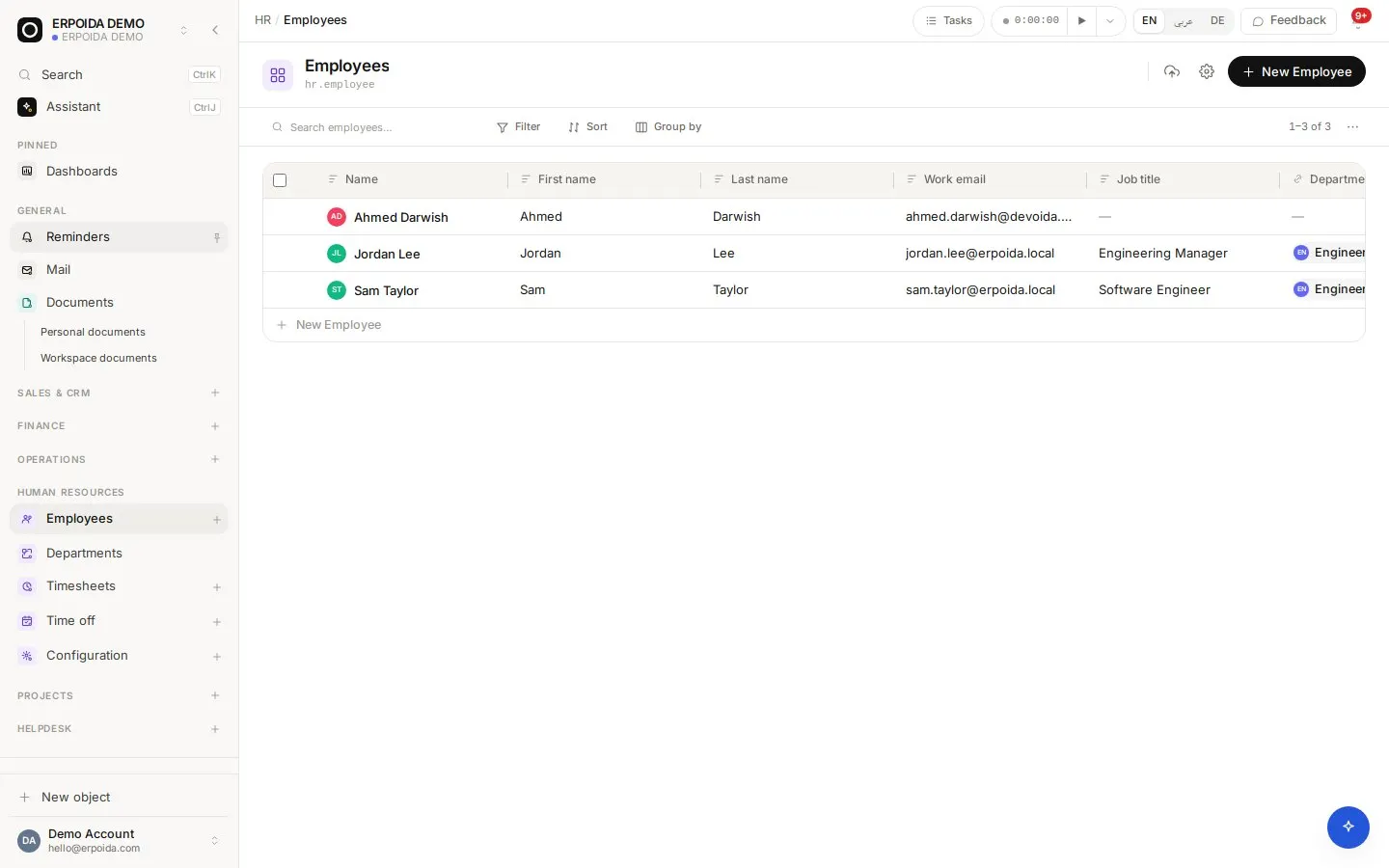
Employees and departments
Profiles, departments and managers, with custom fields for anything else you track.
Contracts
Employment type, pay basis, salary or hourly rate, start and end, and working time per weekday. At most one active contract per employee on any day.
Time off
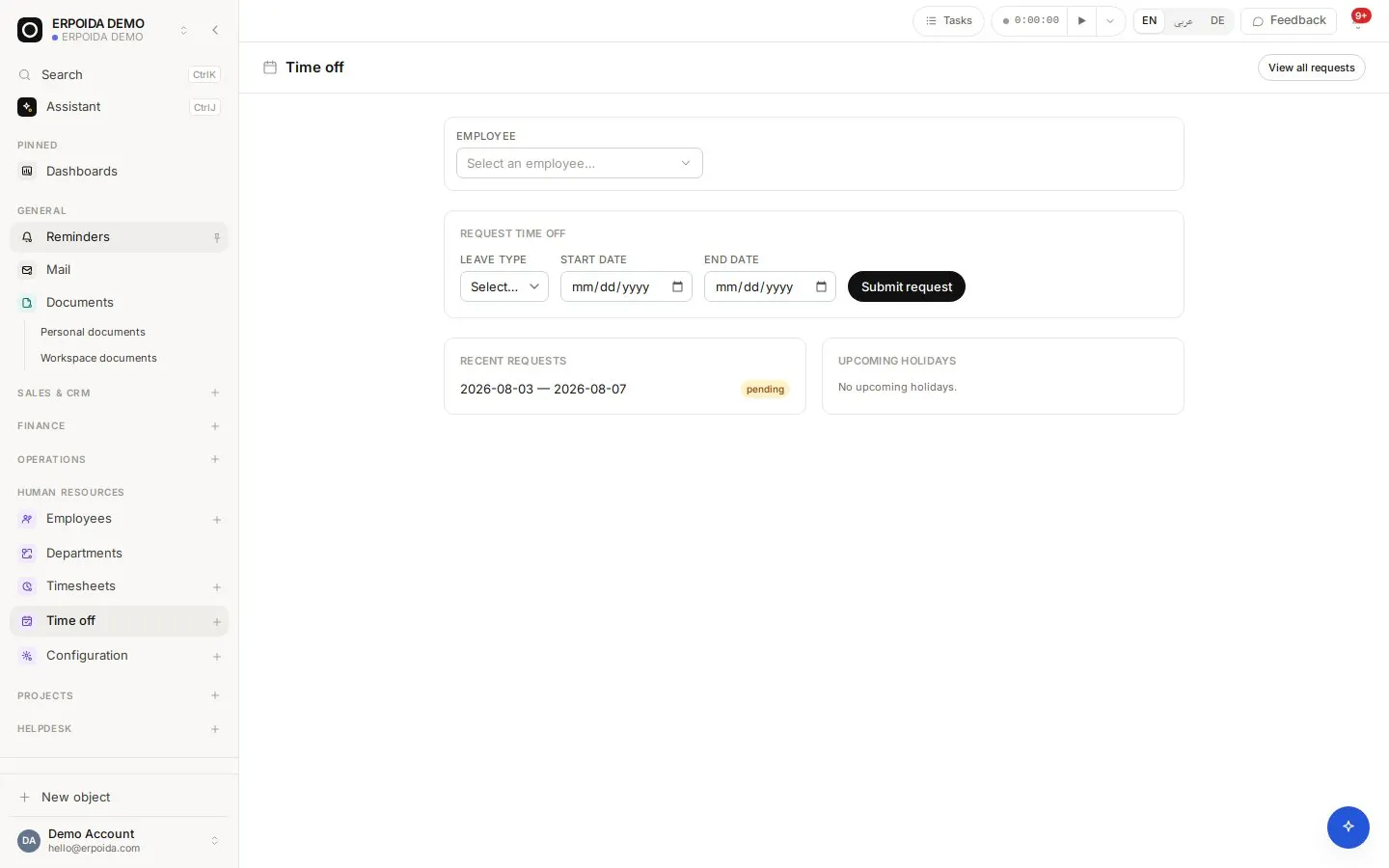
Leave types, requests and approvals, with public holidays per year. Approved unpaid leave flows into payroll.
Timesheets
A start, pause, resume and stop timer, from the top bar or a task. Stopping writes the hours onto the entry; analytics show time by person and project.
How to use it
Onboard an employee
- Open HR → Employees and add the employee.
- Create their contract with pay and working time.
- Assign their department and manager.
- Invite them to ERPoida so they can request leave and track time.
Approve time off
- Open Time off to see pending requests.
- Check the team calendar and public holidays.
- Approve or reject; the employee is notified.
- Approved unpaid leave is deducted in the next payroll run.
Tips and tricks
- Pausing the timer keeps the entry open; only Stop writes the total hours.
- Set the company work week in HR configuration if your week is not Monday to Friday.
- Use timesheet analytics before invoicing time-based projects.
Make it yours
Everything below is done in the app, without code, by anyone with admin rights. You can also ask the assistant to do it.
- Add employee fields such as emergency contact or equipment issued.
- Create leave types for your policies, for example sick leave or parental leave.
- Add a flow that reminds managers of pending leave requests every morning.
Ask the assistant
The assistant works through the same operations and permissions as you. Try:
- “Approve Lena's leave request for next week.”
- “Start a timer on the task 'Homepage redesign'.”
- “How many hours did the team log on Projekt Nord this month?”
Questions
Can employees log their own time?
Yes. Every user has the timer in the top bar and can track time against tasks.
Does HR connect to payroll?
Yes. Contracts, recorded time and approved unpaid leave are what payroll computes from.