

Help and guides
Public guides for setting up ERPoida, bringing your data in and connecting your AI assistant. Signed-in help lives in the app.
Start here
Getting started
Create your account, set up your company and region, choose your apps and invite your team.
Read the guide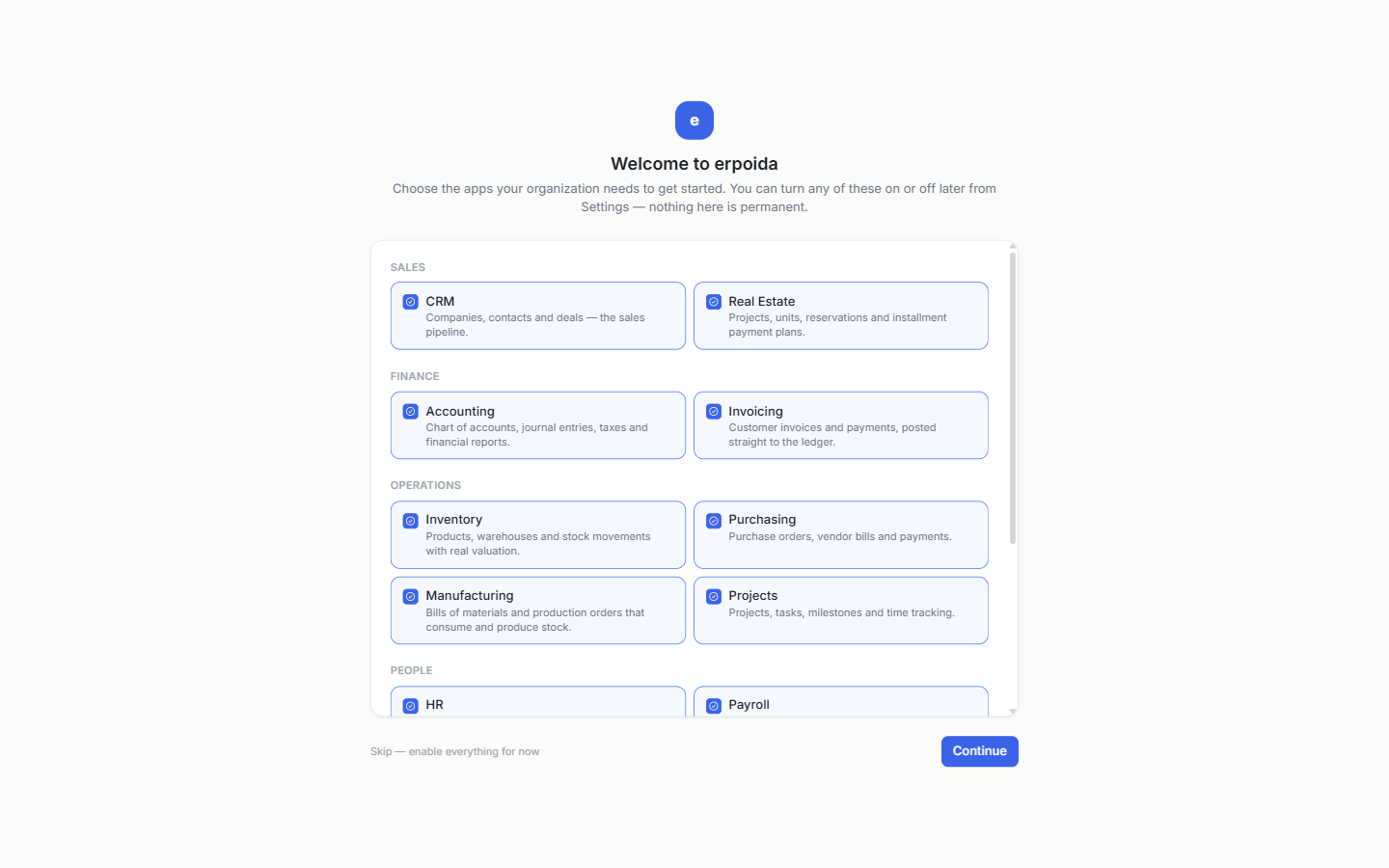
Browse the guides
- 7 stepsGetting startedCreate your account, set up your company and region, choose your apps and invite your team.Read the guide
- CSVImport your dataBring customers, products and other records in from a CSV file, with column mapping and saved templates.Read the guide
- Roles · AuditSecurity and permissionsRoles, what the assistant can do for you, the action log, access tokens and where data is processed.Read the guide
- MCP · OAuthConnect Claude or ChatGPTUse ERPoida from your AI assistant over MCP, with the permissions you already have.Read the guide
Already a customer?
The full help center is inside the app, next to the screens it explains.
Open the help center (sign-in)Can’t find it?
Email [email protected] or use the contact form. We reply within a working day.
Contact us