Invoicing in ERPoida: draft, post, get paid
An invoice moves through three states: draft, posted, paid. Drafts are cheap to change, posted invoices are locked and in the books, and payments close them. Here is how that works, with one invoice followed from hours to bank.
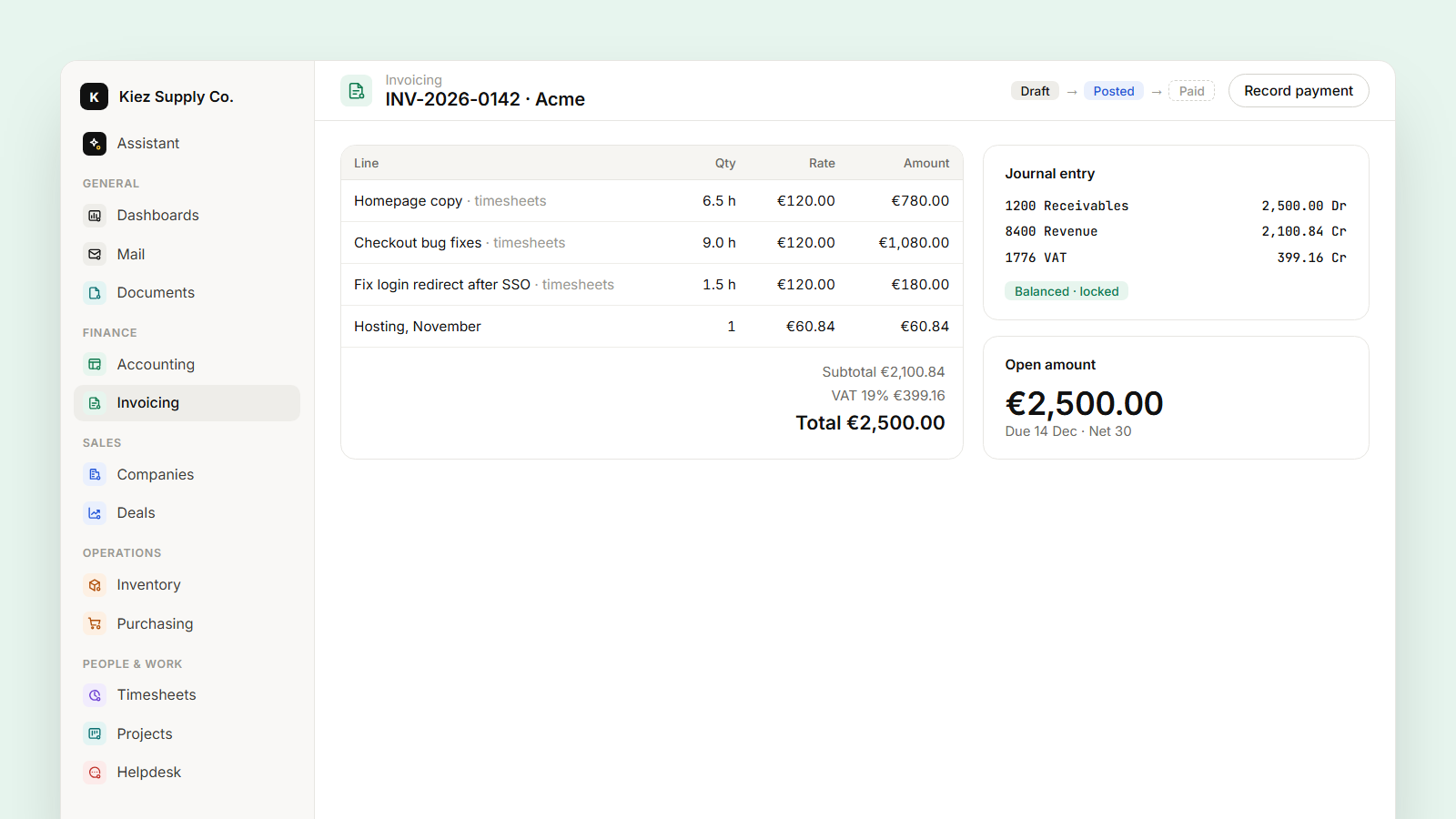
An invoice in ERPoida has three states, and each one means something precise.
A draft is a proposal. You can change every line, the customer, the dates, or delete it. Nothing has happened in the books.
A posted invoice is a fact. It gets its final number, the amounts are locked, and a balanced journal entry is written: receivable on one side, revenue and tax on the other. The database itself rejects an entry that doesn't balance.
A paid invoice has payments recorded against it that cover the open amount. Partial payments are fine; the invoice shows what's still open.
The rest of this article follows one invoice through those states.
From hours to a draft
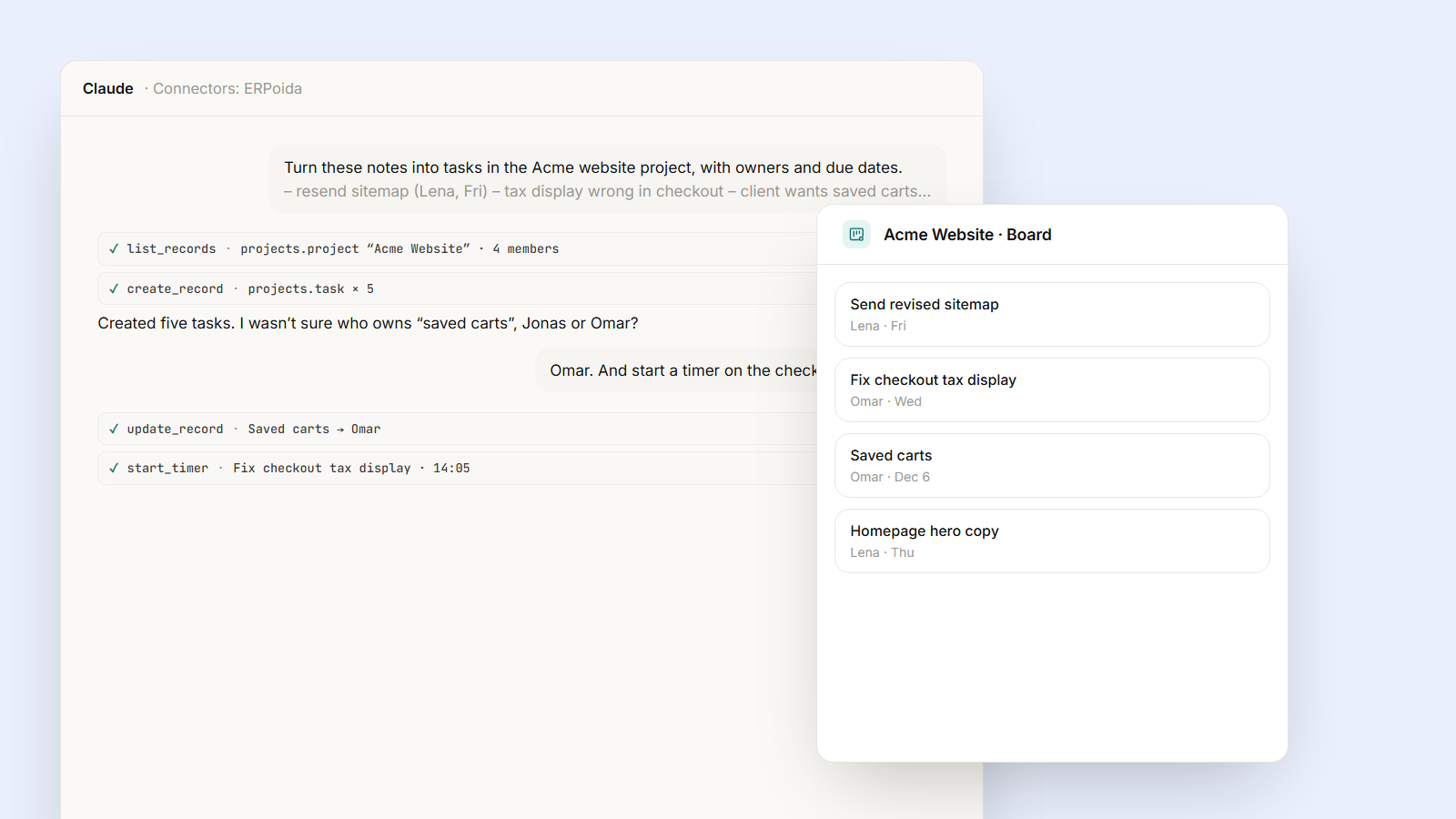
The team logged October's work for Acme on tasks in the Acme website project, most of it billable. Instead of copying hours into lines, you ask: "Create an invoice for Acme's unbilled October hours."
The assistant collects the billable time entries that aren't on an invoice yet, groups them by task, and creates a draft: Homepage copy, 6.5 h × €120, Checkout bug fixes, 9 h × €120, and so on, with the customer's tax rule applied. It tells you the total and anything odd it noticed, such as two entries without a description.
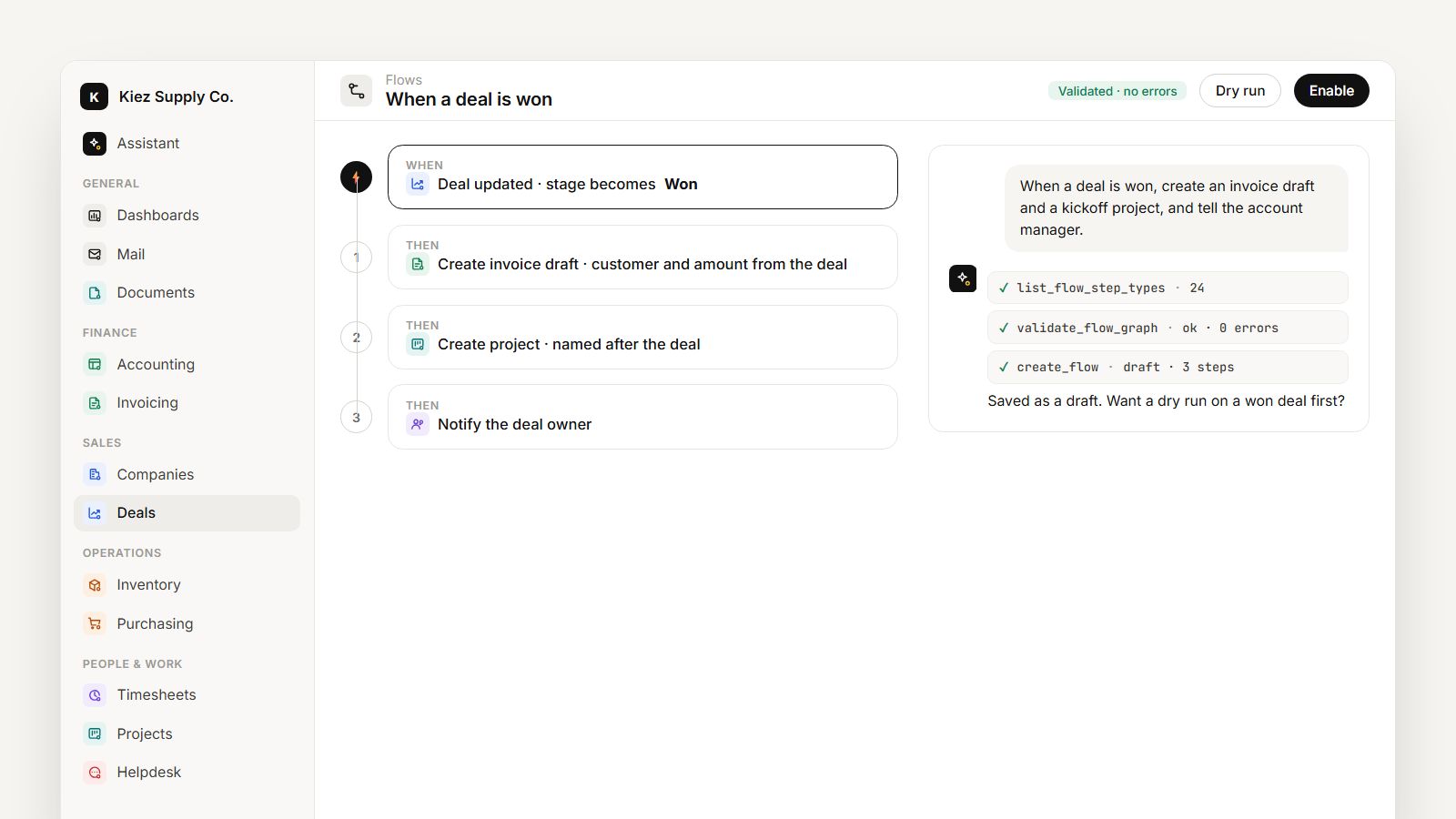
Invoices don't have to start from hours. A won deal, the next installment of a payment plan, or lines typed by hand all end up as the same kind of draft.
Check, then post
Before posting, ask: "Check this draft for mistakes." It looks for the usual ones: a missing tax rate, a customer without a billing address, the same task billed twice, a line with zero quantity. You fix what it finds, look at the total, and post.
Once posted, the invoice is locked. If something is wrong after that, you don't edit it. You issue a credit note against it and, if needed, a new invoice. That's what keeps your books explainable a year later: every number has a document behind it, and nothing changed silently.
Getting paid
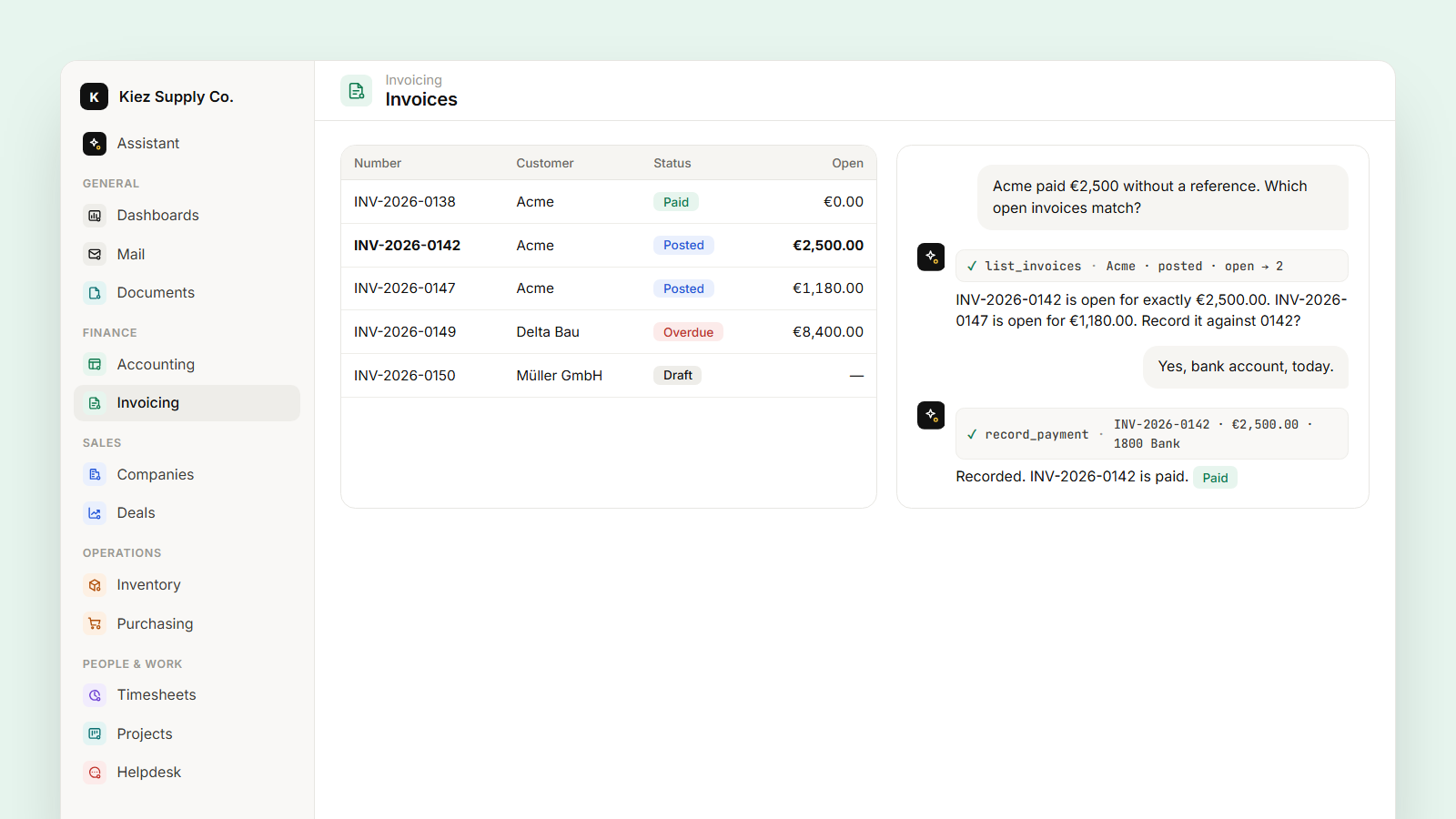
Three weeks later the bank shows €2,500 from Acme without a reference. "Acme paid €2,500 without a reference, which open invoices match?" The assistant lists Acme's open invoices and points out that INV-2026-0142 is open for exactly €2,500. You confirm, and the payment is recorded against it with the bank account and date. The invoice is now paid, and the money is in the right account in the ledger.
When it doesn't match exactly, it says so: maybe the payment covers one invoice in full and another partly. You decide; it records.
Keeping an eye on what's open
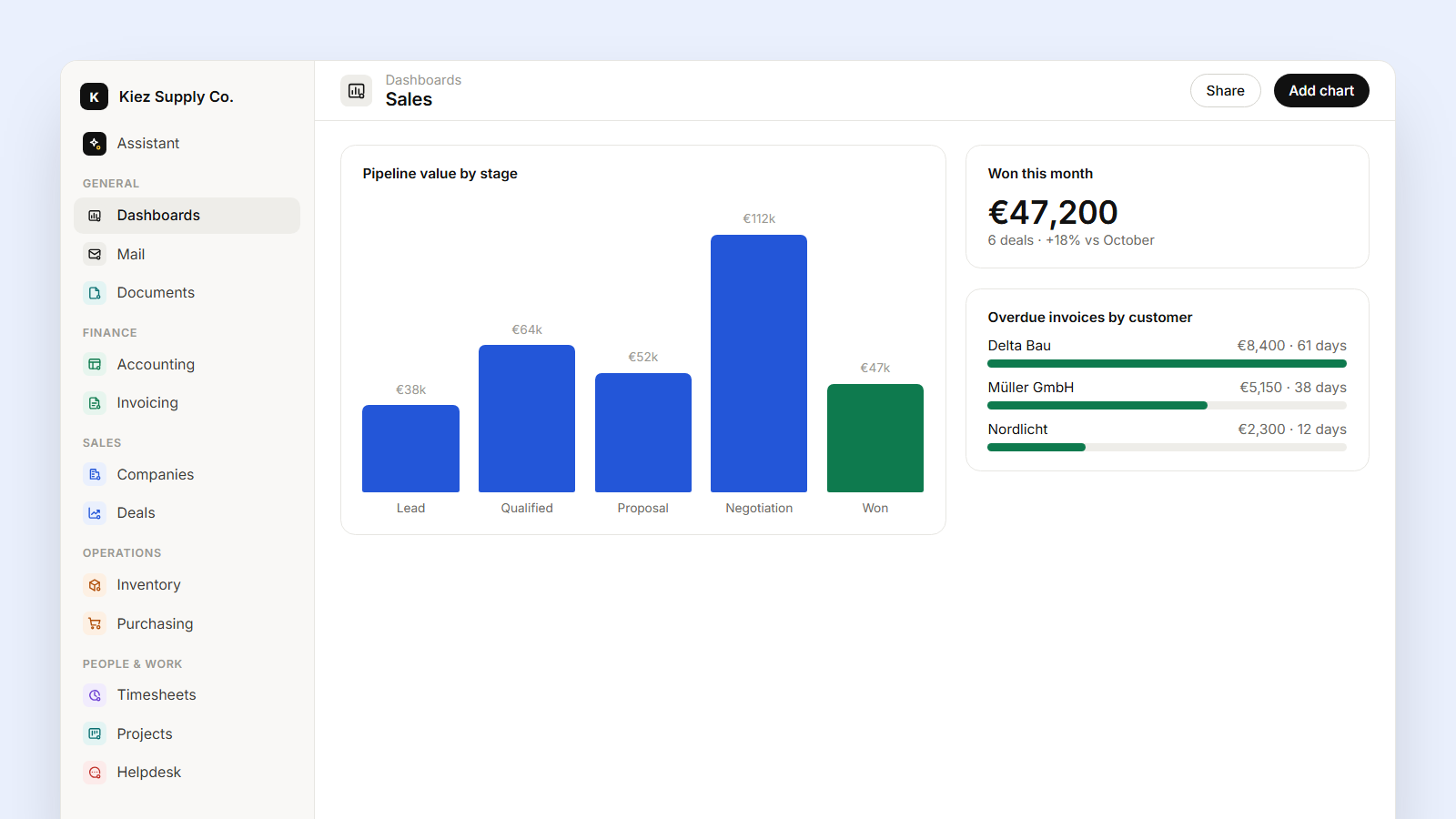
- Ask "Which invoices are overdue, by customer and age?" or put it on the finance dashboard.
- A flow can notify invoice owners about overdue invoices every morning, or require a manager's approval before posting anything above a limit you set.
- If your accountant wants the posted invoices for a quarter, a shared view gives them a live, read-only list instead of an export.