Share live data with clients and suppliers, without giving them a login
A shared view is a link to one filtered, read-only view of your records. The other side always sees the current rows, only the fields you chose, and the link stops working the moment you revoke it.
"Can you send me the latest status?" usually turns into an export, a spreadsheet and an email that's out of date the next morning. Then the same question comes again on Thursday.
A shared view replaces that loop with a link. Here is how it works, using a supplier as the example.
The example: one supplier, their open purchase orders
Kiez Supply delivers to you weekly. Their account manager keeps asking which purchase orders are confirmed and when you expect them. They shouldn't see your other suppliers, your prices from competitors, or your margins.
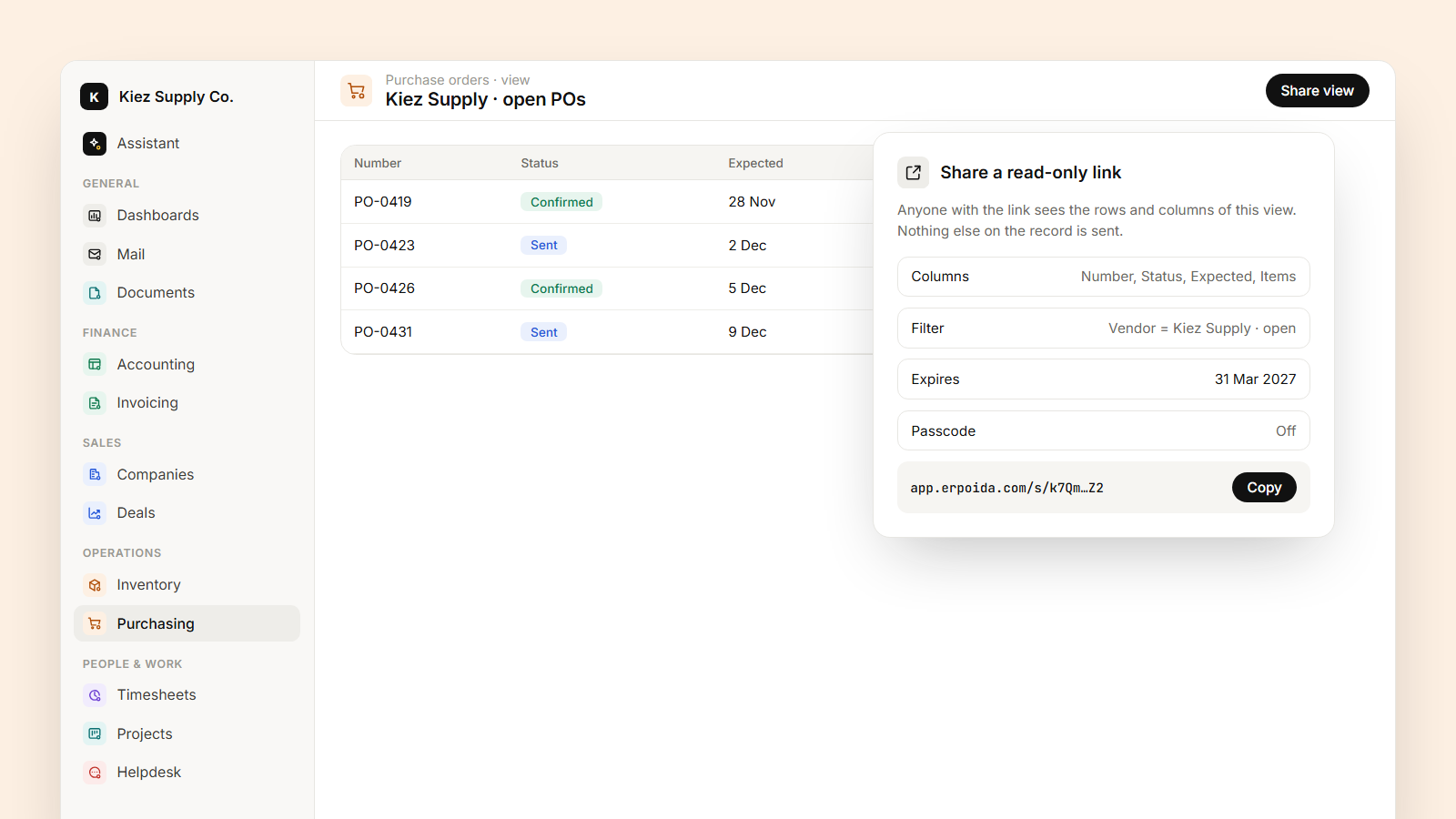
1. Make the view. Open Purchase orders and create a view with only the columns Kiez Supply needs: number, status, expected date, item count. Leave out unit cost and internal notes.
2. Filter it. Vendor is Kiez Supply, status is Confirmed or Sent. Save it as Kiez Supply · open POs.
3. Share it. Create a share link from that view, with an expiry date at the end of the quarter. Add a passcode if the link might be forwarded.
Or ask the assistant to do all three: "Share a read-only view of Kiez Supply's open purchase orders with number, status and expected date, expiring at the end of March."
What the other side sees
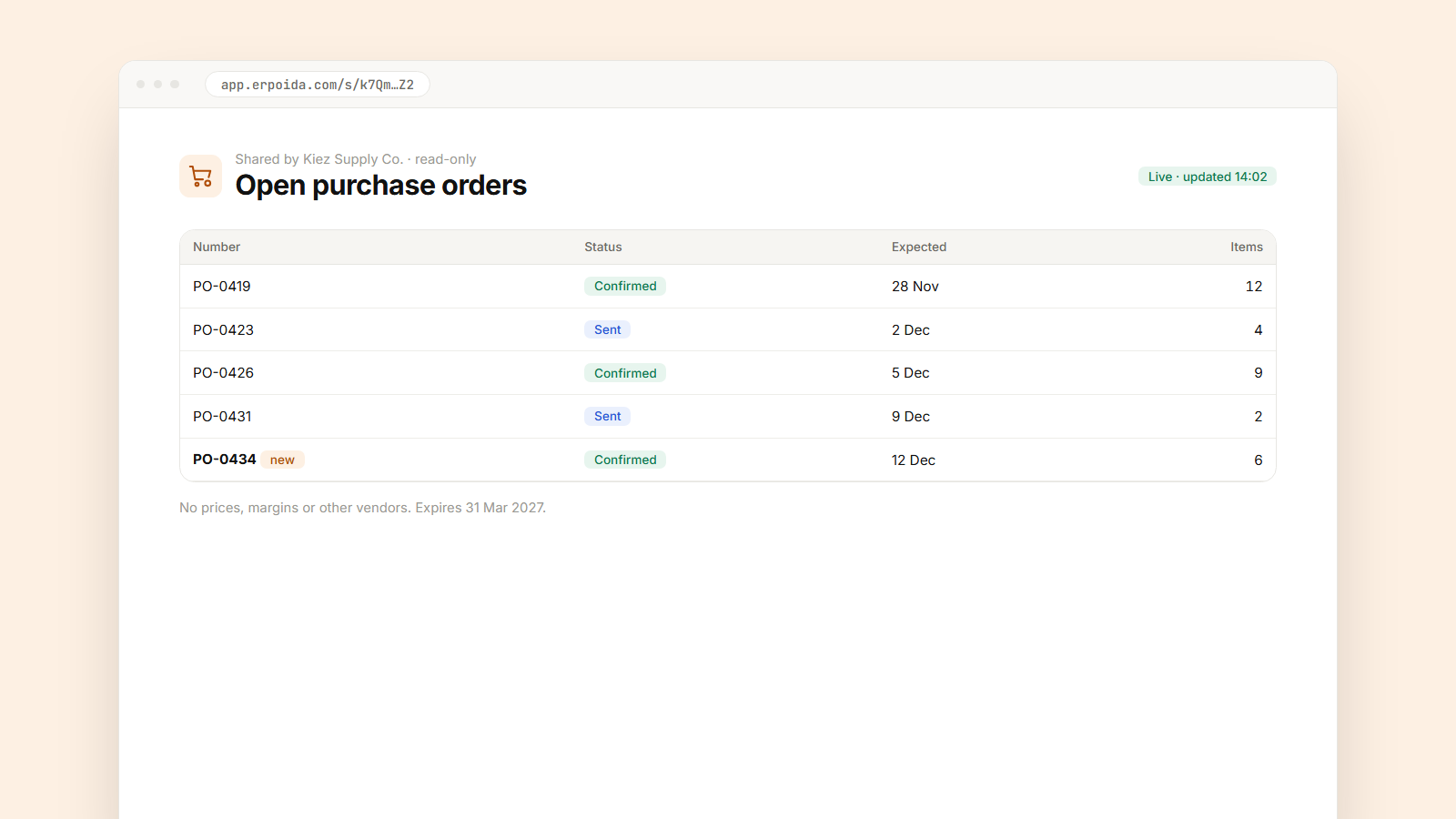
They open the link in a browser, no account needed, and see a clean table of their open purchase orders. When your buyer confirms a new order at 14:00, it's on their page at 14:00. When an order is received, it drops off the list. Nobody exports anything.
Why it's safe
- Read-only. Nobody can change your data through the link.
- Only the fields in the view. Unit cost exists on the record, but it isn't in the view, so it isn't sent. The server checks this, not the browser.
- Only the rows in the filter. The link can't be edited to show another vendor's orders.
- Revocable. Revoke the link and access ends immediately. You can also see how often it was opened.
Other places it works
- Clients: open orders and delivery dates, or the tasks in their project, filtered to that client.
- Your accountant: posted invoices for the quarter, live, instead of a monthly export.
- Partners: the deals they referred and the stage each one is in.
Pair it with a flow
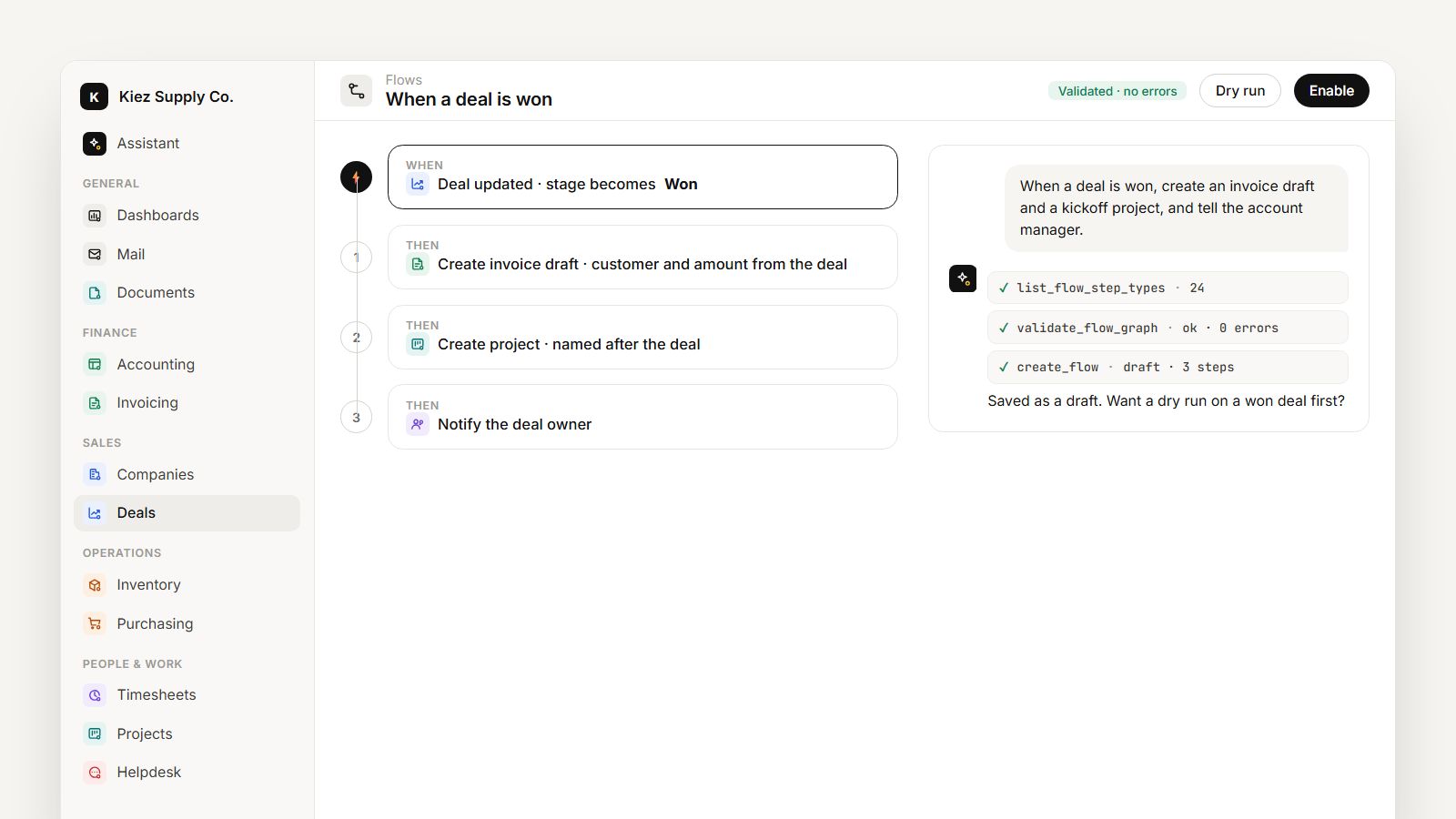
A flow can do the follow-up. When a purchase order is confirmed, add a comment and notify the warehouse manager. The supplier sees the new status on their link, and your team sees it in ERPoida, from the same record.